Connect the device
Connect a USB-C data cable. Check the device guide for buttons, power controls, and download mode.
Open the device guide
 HARDWARE / STOPWATCH
For agents
HARDWARE / STOPWATCH
For agents
Development kit reference
Setup, hardware specifications, and projects for the StopWatch kits distributed at WorkOS init().
Install from Chrome on a computer with a USB-C data cable. Report an issue
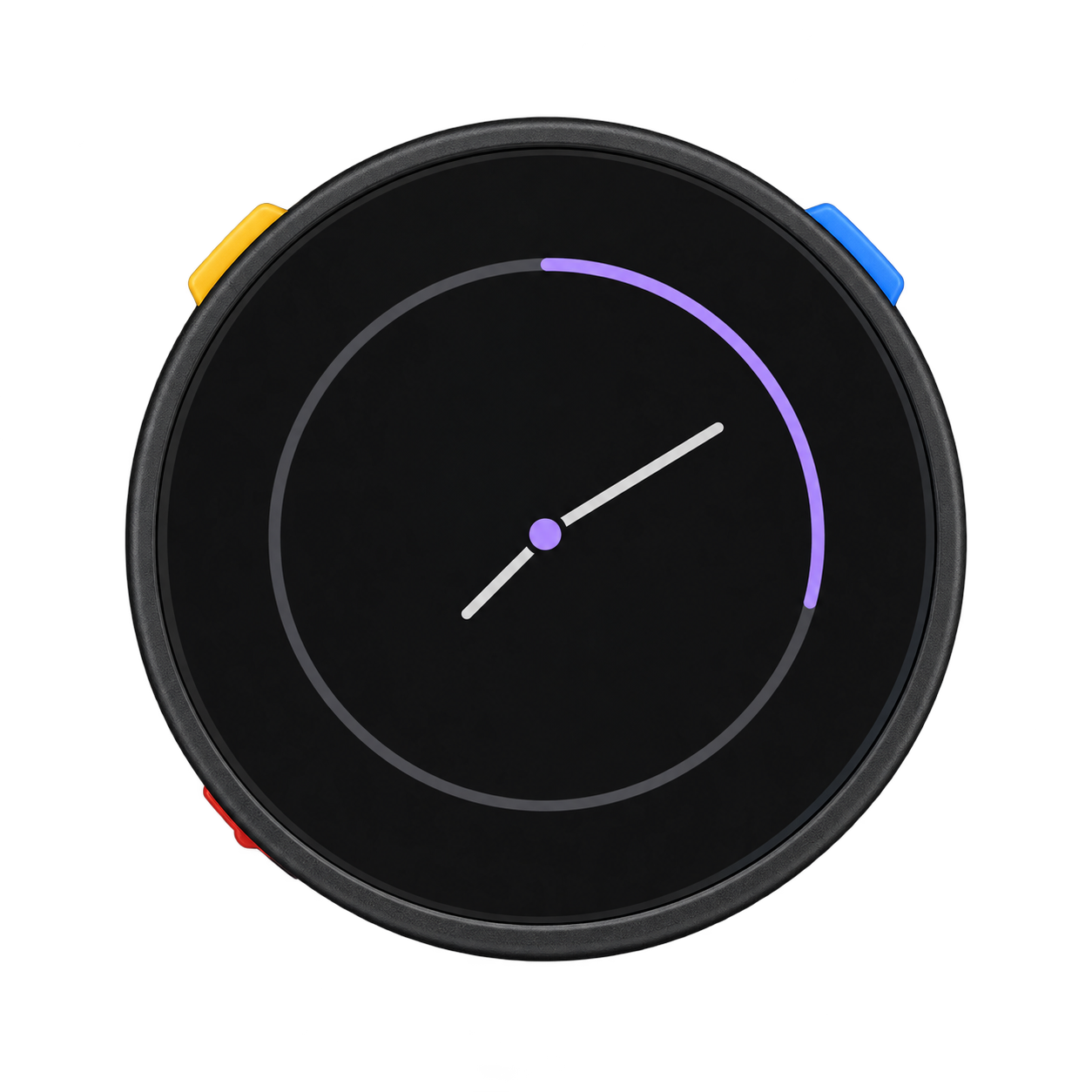
Connect a USB-C data cable. Check the device guide for buttons, power controls, and download mode.
Open the device guideSelect the M5StopWatch board and install M5Unified and M5GFX. See the checklist below for required versions.
Set up ArduinoCompile and upload the display example, or follow a complete StopWatch project from the resource index.
Browse examplesConference badge: use the browser installer for the init() build, or follow the Arduino guide below to develop your own firmware. Installing firmware replaces the device’s application; keep any image you want to restore.
Restore M5Stack’s factory firmware with M5Burner. This restores the manufacturer’s demo, not an init() custom image.
SKU C152. Check your board revision before using the expansion pins.
M5Stack product pageOn some v1.0 units, the rear pin printed “BAT” is actually 5V IN. Do not connect a battery to that pin. On v1.0.1, the “*BAT” marking refers to the battery pin. Read M5Stack’s sticker correction and revision-specific pin map before wiring accessories.
Check the official pin mapA StopWatch running timer with 27 workouts and two-button controls. Includes a build walkthrough.
Pin maps, schematics, power behavior, and firmware downloads.
The shared device library. Start here for board initialization and peripherals.
Graphics primitives, text, and drawing for the round display.
Set up the matching firmware for visual blocks and Python.
Explore a complete application and its own toolchain requirements.
M5Burner instructions for restoring M5Stack’s StopWatch firmware.
Small-screen projects and practical build notes. Check the board named in each guide.
Read or download the Markdown skill for board specifications, setup requirements, revision notes, and source links.
Read the StopWatch skill at /stopwatch/SKILL.md. I’m building for the M5Stack StopWatch C152 from WorkOS init(). Help me make a simple timer using its round screen and two buttons.
Review generated firmware against the current M5Stack documentation.